Design Your Butcher Paper
Choose a real sheet or roll, upload your logo, move it where you want it and send the picture with your quote request. The free proof starts from what you saw.
Design Your Butcher Paper
Pick the paper, drop in your logo and see it on a real sheet. Our prepress team prepares the print-ready proof from your file; the picture here is a placement guide.
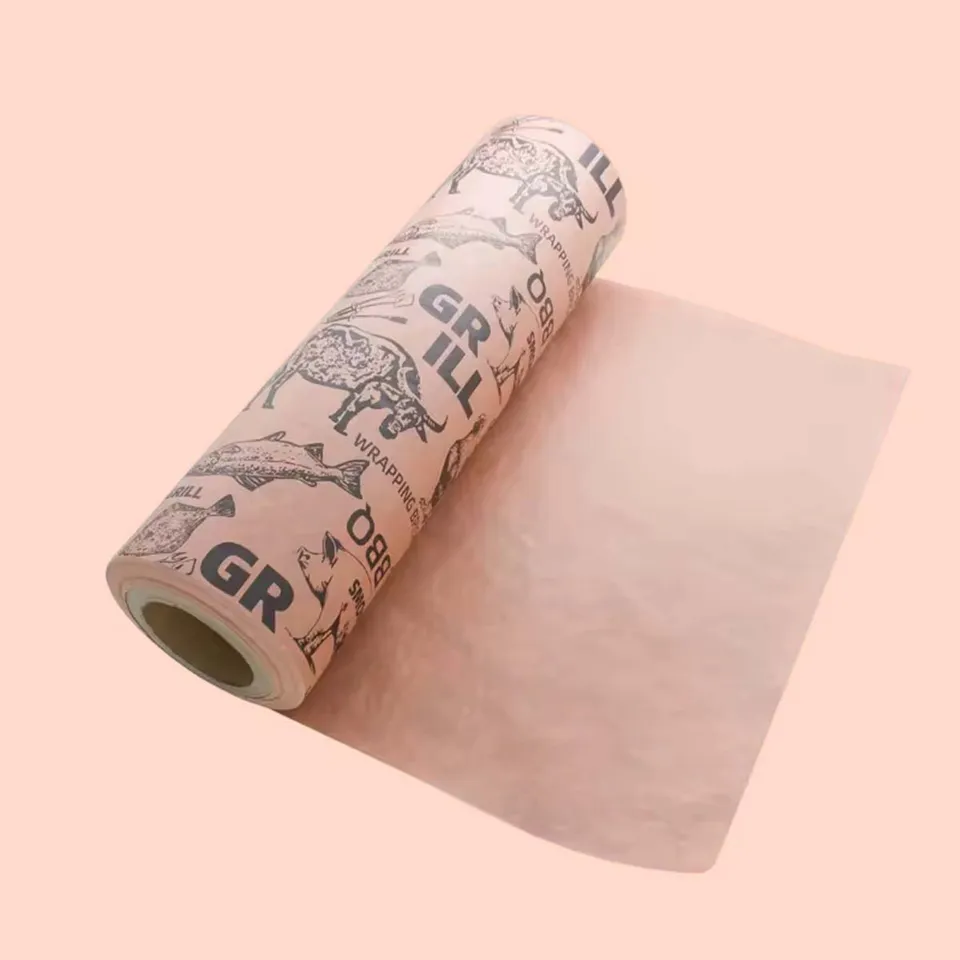 Pink Butcher Paper Rolls
How does Design Your Butcher Paper work?
- Choose a paper photo from the list. Pink, white and brown kraft each show a logo differently, so pick the color you plan to order.
- Upload a PNG, JPG or SVG of your logo. One-color artwork prints sharpest on pink and kraft.
- Drag the logo into place and set its size. A repeat pattern is laid out by our prepress team from a single logo.
- Fill in the color, size, quantity and your email, then send. The picture goes with the request.
- Within one business day you get a written price and, for printed paper, a free proof to approve or change.
Questions about designing your paper
Which file types can I upload on Design Your Butcher Paper?
PNG, JPG or SVG. SVG gives the cleanest proof because it scales without blur. A PNG with a transparent background is the next best thing.
Is the picture I make here the final proof?
No. It is a placement guide. Our prepress team rebuilds the layout from your file at print resolution and sends that as the proof.
Can I upload a photo of my shop sign instead of a logo file?
You can, and it works for placement. For the proof we need the logo as artwork, so ask whoever made the sign for the original file. A simple one-color mark can often be redrawn.
How big should the logo be on an 18 x 24 in sheet?
About 4 to 6 in across for a single placement. Smaller than that and it disappears under a fold; larger and it looks like a poster. A repeat pattern uses a 2 to 3 in mark. The logo printing guide shows both on a real sheet.
Can I see the same logo on pink and on kraft before deciding?
Yes. Switch the paper photo in the list and the logo stays where you put it. Send both pictures with the request if you want two proofs.
Does the studio handle a two-color logo?
It shows your file as uploaded, in any colors. On the proof we separate it into inks; two colors print well on white, and we will tell you if kraft tints them.
What if my logo is only on a business card or a menu?
Scan or photograph it flat and upload that for now. Mention on the request that it is the only copy you have and prepress will say what they can do with it.
Can I type text instead of uploading a logo?
Not in the picture, but tell us the words, the font if you know it and the color. The proof comes back with the text set, and you can edit it as often as you like.
Where does the picture go after I press send?
It attaches to your quote request along with the color, size and quantity. Nobody sees it except the people pricing and proofing your order.
Do I have to use this page, or can I just email the logo?
Either. Email the file to info@shopbutcherpaper.com with the size and quantity and the proof starts from there. This page is for people who want to see the placement first.
Something else? Ask us on WhatsApp or call (503) 461-4788.
Tell us what you wrap
Send the paper, a size and a quantity, plus a logo if you have one. We reply in writing within one business day with a price and, for printed paper, a free design proof. Prefer to talk? Call (503) 461-4788 or message us on WhatsApp.